
Getting your first withdrawal right is the real test of any iGaming platform — this guide shows you how to pass it.
Prerequisites
- A smartphone or tablet running iOS 10.0+ or Android 5.0+ with at least 2 GB RAM.
- Stable internet connection (4G or Wi-Fi).
- Valid email address and phone number for verification.
- Government-issued ID (passport, driver’s license, or national ID) for KYC.
- A payment method (credit/debit card, e-wallet, or bank transfer) with sufficient funds.
- Be at least 18 years old (or legal gambling age in your jurisdiction).
Step-by-Step Sign-Up
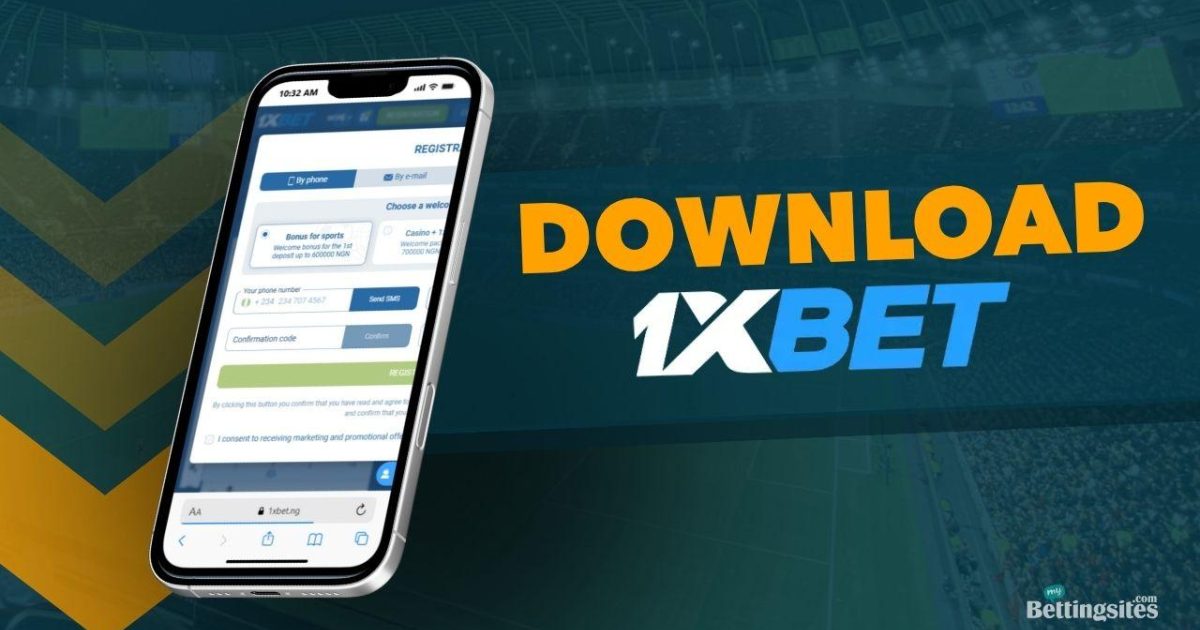
- Navigate to the official site via 1xbet app and tap Register.
- Choose your country and preferred currency. Enter your email and create a strong password.
- Fill in personal details: full name, date of birth, address, and phone number.
- Select a security question and answer, then agree to the terms and conditions.
- Complete the registration by clicking the confirmation link sent to your email or entering the SMS code.
- Log in using your credentials. The app may prompt you to set up two-factor authentication (2FA) for extra security.
Calculating Your Bonus
The welcome bonus typically offers a 100% match on your first deposit up to $100. Here’s how to calculate the effective playthrough:
Bonus Amount: Deposit $50 → receive $50 bonus.
Wagering Requirement: 30x (bonus + deposit).
Total Wagering Needed: ($50 + $50) × 30 = $3,000.
If slots contribute 100% to wagering (common), you need to wager $3,000 on slots. For games with lower contribution (e.g., table games at 10%), the effective amount increases: $3,000 / 0.1 = $30,000. Always check game contributions in the bonus terms.
Security
The platform uses 128-bit SSL encryption to protect data during transmission. Two-factor authentication (2FA) is recommended via Google Authenticator or SMS. The account is also protected by a personal security question. Important: Never share your login credentials or verification codes with anyone. Enable withdrawal address whitelisting to prevent unauthorized transfers.
Money In, Money Out
| Payment Method | Min Deposit | Max Deposit | Withdrawal Time | Withdrawal Fee |
|---|---|---|---|---|
| Visa/Mastercard | $10 | $5,000 | 2–5 business days | Free |
| Skrill | $5 | $10,000 | 24 hours | Free |
| Neteller | $5 | $10,000 | 24 hours | Free |
| Bank Transfer | $20 | $50,000 | 3–7 business days | $0–3 |
| Cryptocurrencies | $1 | $100,000 | Instant–1 hour | Network fee |
Fix It Fast
- Login issues: Clear app cache or reinstall. Use the “Forgot Password” link to reset.
- Payment pending: Ensure you’ve completed KYC. Withdrawals often require identity verification first.
- App crashing: Update to the latest version from the official website. Restart your device.
- Bonus not credited: Check if the bonus code was entered during deposit. Contact support with your deposit ID.
- Verification documents rejected: Upload clear, well-lit photos. Ensure all four corners are visible and details match your account.
Good to Know
The VIP program has multiple tiers (Bronze, Silver, Gold, Platinum, Diamond) based on monthly wagering volume. You earn 1 point for every $10 wagered. Points can be exchanged for free bets, cash bonuses, or physical gifts. Higher tiers unlock personal account managers, faster withdrawals, higher betting limits, and exclusive event invites.
Need to Know
Can I use the same account on multiple devices?
Yes, you can log in from any device, but simultaneous logins may trigger a security check.
What is the minimum withdrawal amount?
The minimum withdrawal is typically $1 for e-wallets and $10 for bank transfers.
Are there any deposit fees?
The platform does not charge deposit fees, but your payment provider may apply a small transaction fee.
How long does KYC verification take?
Usually within 24 hours if documents are clear. Complex cases may take up to 48 hours.
Can I change my currency after registration?
No, the currency is fixed at sign-up. Contact support only for exceptional reasons.
What happens if I forget to use the bonus code?
The bonus is not automatically applied. You may contact support to request it, but it’s not guaranteed.
Is there a mobile app for iOS or Android?
The platform is optimized for mobile browsers and also offers a progressive web app (PWA) that you can add to your home screen for a native-like experience.
How do I close my account?
Contact customer support via live chat or email to request account closure. Unused balances may be forfeited.
Mastering the basics of sign-up, security, and bonus math ensures a smooth experience. Use this guide to avoid common pitfalls and enjoy the platform responsibly.